Adding Additional Fields to the Sales Heat Map
Any field on a Salesforce Object can be added to a Sales Heat Map view, giving you full flexibility to tailor the report to your team's needs.
Note: Additional fields can only be added when creating a new personal view. To get started, click + New View within the Sales Heat Map.
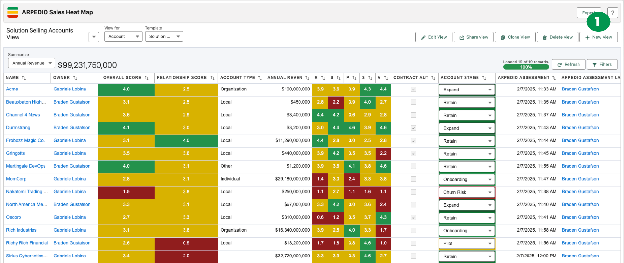
Adding Fields to Your View
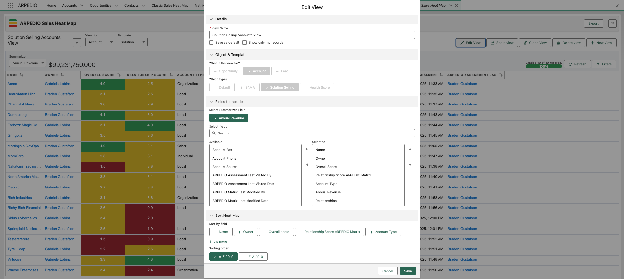
Once the new view menu is open, navigate to the Fields to Include section.
- Use the search bar to find a specific field by name, or scroll through the full alphabetical list of available fields for the selected object.
- Select a field and use the horizontal arrows to move it to the Selected section.
- Use the vertical arrows to adjust the order in which fields appear in the view.
- Click Save to apply your selections. The fields will display within the newly created view.
Note: If you are creating a view for Opportunities, you can include the ARPEDIO Probability field, which calculates a likelihood to close based on your ARPEDIO Opportunity Assessment score.
Was this article helpful?