How to Translate ARPEDIO Templates to Another Language
ARPEDIO's built-in translation tool lets you translate any template element by element, directly within the template editor. Translations share the same template version as the default English content, so adding a translation does not create a new version.
How Language Selection Works
When a user opens a template, ARPEDIO checks whether a translation exists for their Salesforce default language. If a matching translation is found, it is used. If no translation exists for their language, ARPEDIO falls back to the English default.
For example, if Salesforce is set to Spanish and a Spanish translation exists, that translation will be shown. If only German and English translations exist, the English version is used instead.
Translating a Matrix Template
- Go to Matrix Templates and open the template you want to translate.
- Click the translation option in the top left of the editor, beneath Back to Template Versions.
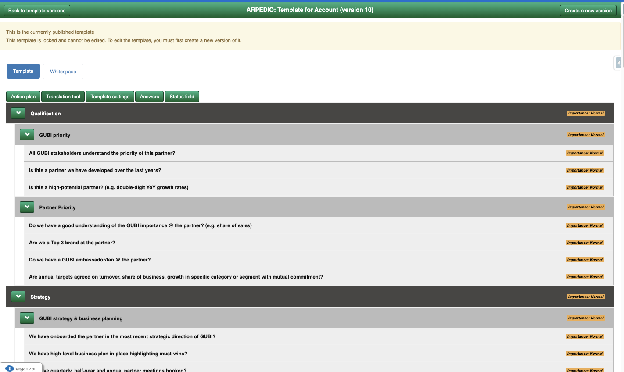
Translating a Sales Template
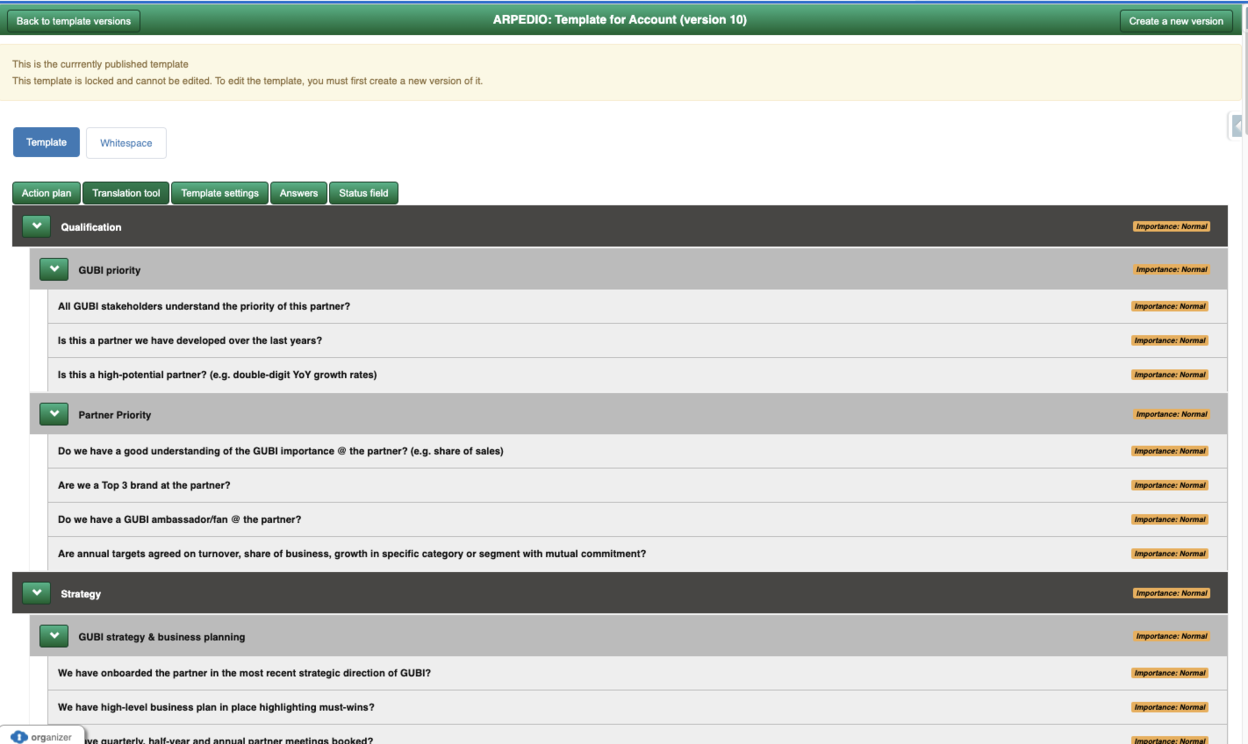
- Go to Sales Templates and open the template you want to translate.
- Click the translation option located beside Action Plan, beneath Whitespace.
Was this article helpful?