How to Install the ARPEDIO Sales Package
Follow the steps below to install the ARPEDIO Sales package from the Salesforce AppExchange into your Salesforce environment.
- Go to the ARPEDIO Sales AppExchange listing and click Get It Now.
- Select either Production or Sandbox, depending on where you want to install the package.
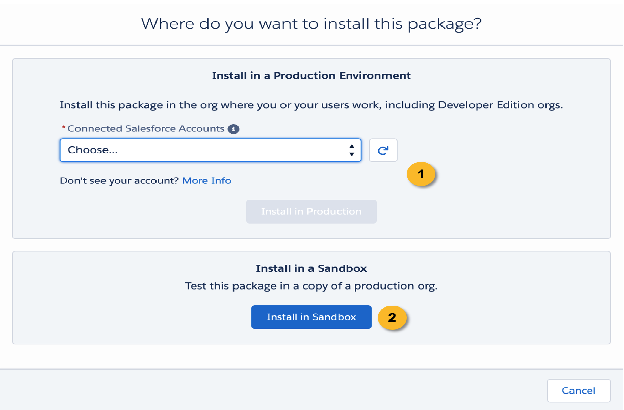
- Accept the terms and conditions and click Confirm Install.
- Log in to Salesforce if prompted.
- Check the checkbox to agree to the terms and conditions, then click Confirm and Install.
- Select Install for Admins Only and click Install.
- In the Approve Third-Party Access dialog, select Yes, grant access to these third-party websites and click Continue.
- Click Install to begin the installation.
- If the installation is taking longer than expected, click Done. You will receive an email confirmation once the installation is complete.
Once installed, assign licenses to the users who need access.
Was this article helpful?