Reordering Matrix Preview
The order that the options for each attribute appear on each the X and Y axis of the Matrix Preview component depends on the order of the options within the Matrix template version that is currently published.
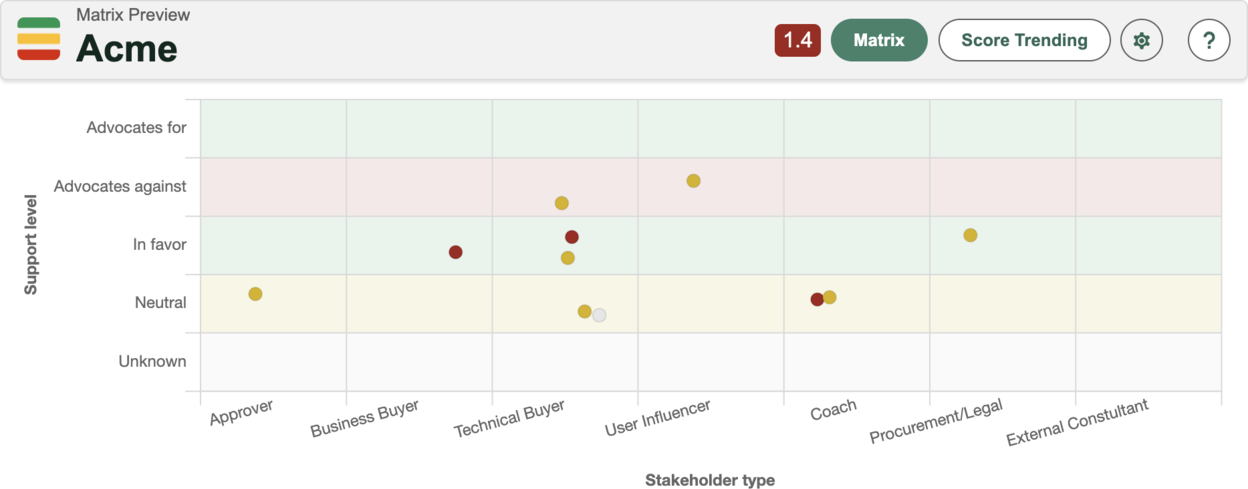
If your options are displaying in a nonsequential order, such as in the below example, that is due to the configuration within the template:
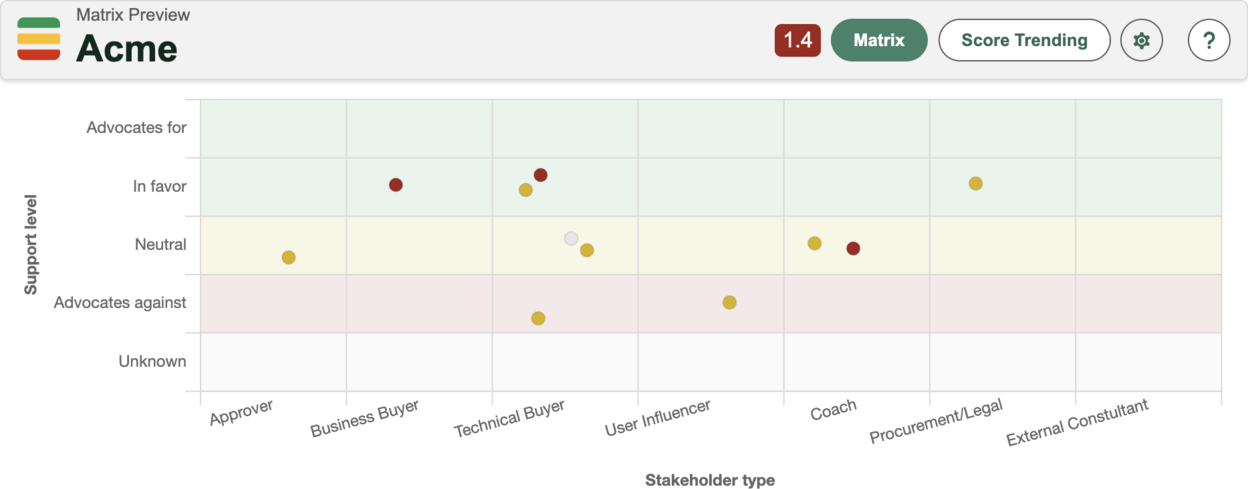
To fix this, Reorder the options for the given attribute in the template and publish the new template:
- Open the Matrix Template you have published currently published
- Create a new template version
- Adjust the order accordingly
- Publish the template
Was this article helpful?